What happens at each step
1. Upload
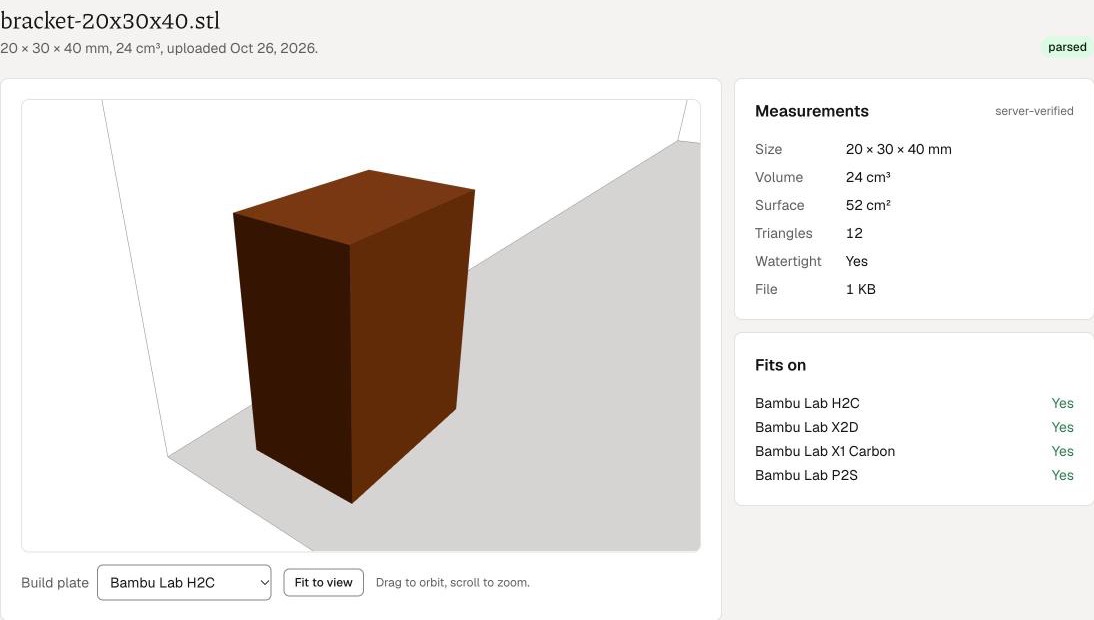
Create an account with an email address and a one-time code; there is no password to remember. Drop a binary or ASCII STL of up to 200 MB. The browser measures it (size, volume, surface area, whether it is watertight) and the server checks the same numbers after the upload. You get a 3D preview with the printer bed drawn around the part, and a plain-text version of the measurements beside it.
2. Configure
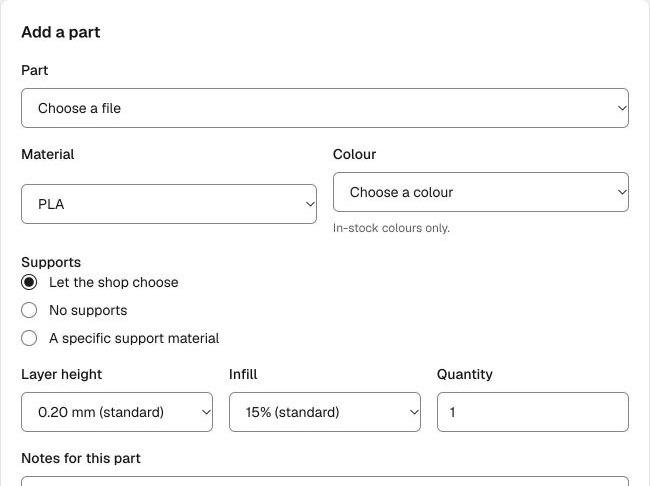
For each part: material, an in-stock colour, supports (none, our choice, or a specific support material), layer height (0.12 to 0.28 mm), infill (10 to 100%) and quantity. The app picks the smallest printer bed the part fits on, and an enclosed printer for materials that need one. Choose shipping to one of your addresses or local pickup, agree to the Terms, and submit.
3. The shop confirms the price
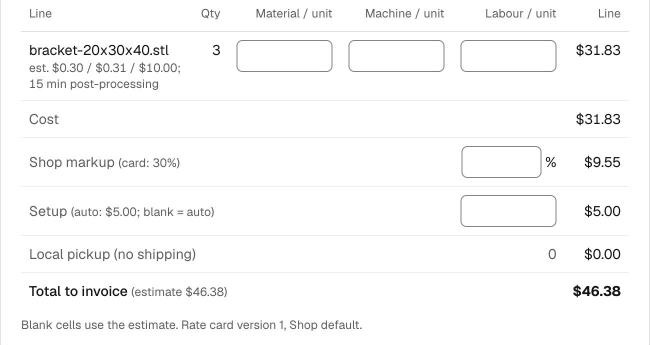
A person reviews every request: the files, the settings and the estimate the app made from the geometry. We may adjust a component (a thin wall needs a different material, a part needs heavy supports), ask you for a change, or decline a part we should not print. Within one business day you get an email with the confirmed price, every component listed, and the invoice. The price is good for 14 days.
4. Pay, print, track
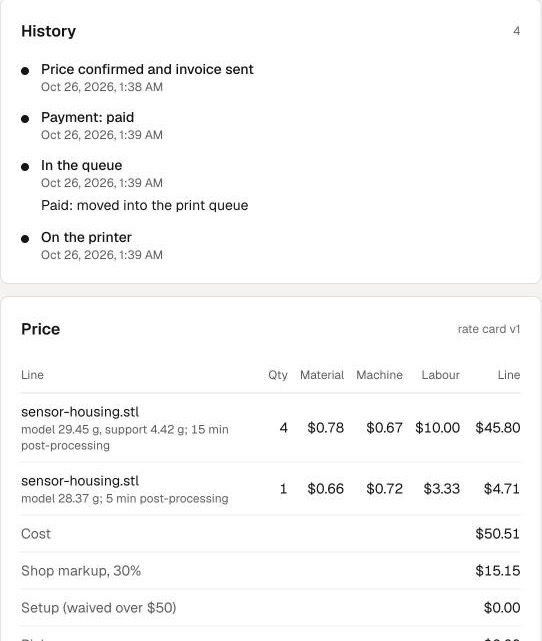
Printing starts when the invoice is paid (repeat customers can be marked to print first). The order page shows the queue, the printer, post-processing, the check before it leaves, and then the tracking number or the pickup notice; each step also arrives by email. Failed prints on our filament are reprinted at no charge.
Your own filament
If we have enabled it for your account, you can send or drop off your own spools. We log what arrives, charge no material for the parts printed from it, add a small per-hour surcharge for the spool changes, and store it free for 30 days.